When should you start prototyping? If you're still asking that question, the answer is yesterday.
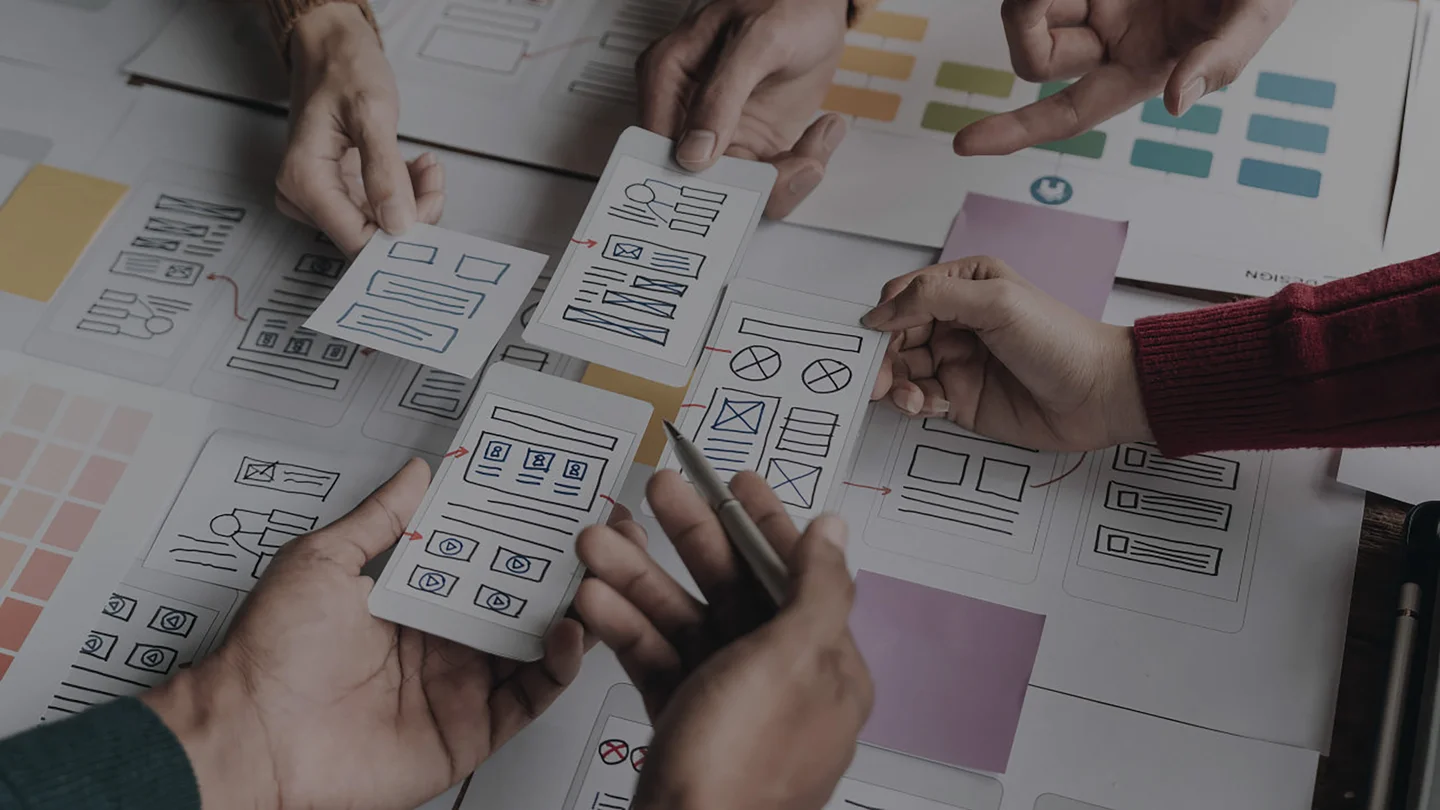
Wireframes have been a staple of the agency workflow for decades.
If you've spent any time in interactive design or development, you know what they are and why they exist. But here's the thing: we've spent years refining how we work, and the more we evolve, the harder it becomes to justify wireframes as a meaningful deliverable. Not because planning doesn't matter, but because there are far better ways to do it.
Early in our careers we started questioning whether wireframes were actually communicating anything useful to clients.
In a world of React component libraries, native mobile gestures, fluid animations, and real time data, static grey boxes just don't cut it anymore. Wireframes strip away the very things that make modern digital products work: colour, motion, interactivity, and context. For certain clients and certain projects, they still have a place. But more and more, we're skipping straight to rapid iterative prototypes, and the results speak for themselves.
The decision to include or exclude wireframes from your process isn't always straightforward. But in practice, it usually comes down to one question:
Will your client actually understand what they're looking at?
For some larger organizations, wireframes are a trust building exercise, a checkbox on the way to stakeholder buy in. Fair enough. But most clients staring at a wireframe are not seeing what you see. They're not mentally rendering that grey rectangle as a hero component with a parallax scroll and a dynamic product feed. They're just seeing grey rectangles.
Hand that same client a working prototype built in React or SwiftUI where they can tap, scroll, and feel the product? Now you're having a real conversation. The quality of feedback improves dramatically when people can interact with something tangible instead of squinting at a static layout trying to imagine how it might behave.
Prototyping delivers enormous value on both sides of any digital project. But doing it well requires discipline. Slapping together a throwaway demo in Figma and calling it a prototype misses the point entirely. If you want prototyping to actually accelerate your process and elevate your end product, there are some non negotiable guidelines your team needs to follow.
1. We must prototype within the context of user (human) experience.
Every prototype should orbit around one thing: making the product better for the people who will actually use it. It sounds obvious, but you'd be amazed how often teams get lost chasing a clever technical implementation or a flashy interaction pattern that actively works against the user experience. Whether you're building a React web app or a native mobile experience, prototyping lets you pressure test these decisions in real time instead of discovering problems after you've already committed to a direction. Before you move forward with any solution, ask a simple question: does this make the product better for our end users? If the answer isn't a confident yes, iterate. That's the whole point. The goal of prototyping is continual refinement of the user experience.
2. We must address the project's unique and specific challenges
One of the most common mistakes we see is teams defaulting to familiar tools and patterns instead of evaluating what actually fits the project. Reaching for the same component library or state management approach on every build isn't a process, it's a habit. Prototyping should be where you explore and validate technical and design solutions against the specific requirements in front of you. Does this project need server side rendering for SEO? Would a native module outperform a cross platform solution for that camera feature? Is the data structure complex enough to warrant something like GraphQL over REST? These are the questions prototyping helps you answer. If a solution doesn't address a specific need, stop exploring it and move on. And the earlier in your project lifecycle you start prototyping, the faster you arrive at production ready solutions.
3. We must create prototypes that result in usable code
This is where most teams leave value on the table. There's no shortage of prototyping tools out there, from Figma's interactive features to purpose built platforms like ProtoPie and Principle. These tools are fine for quick concept validation, but they share a critical flaw: none of them contribute a single line of code to your finished product. If you're building a React application, prototype in React. If you're building for iOS, prototype in SwiftUI or UIKit. If your target is React Native, build your prototype there. Every hour spent prototyping in a tool that doesn't output usable code is an hour you'll have to spend again rebuilding it properly.
Designers and developers should be working together from the start, building functional prototypes that can be rolled directly into your production codebase. This means your prototype components become your real components. Your prototype navigation becomes your real navigation. You're validating that solutions actually work within the constraints of your production environment, not in some idealized sandbox that doesn't account for real world performance, accessibility, or device fragmentation. This approach also keeps experimentation costs in check because every experiment moves the product forward instead of ending up in a folder nobody opens again.
At their core, prototypes should be designed to deliver:
- More iterations on content and functionality
- Further innovation and exploration
- A higher quality user experience
- Optimal technical and design solutions
Care to learn more?
- Design Better and Faster with Rapid Prototyping (Smashing Magazine) - The original Smashing article on rapid prototyping that helped kick off the movement. A classic that still holds up.
- Prototype Before You Build (Vercel / Next.js Blog) - Vercel's approach to iterative development aligns closely with the prototype first philosophy.
- React Prototyping with Storybook - Storybook lets you build and test UI components in isolation, making it one of the best tools for prototyping directly in your production stack.
- Apple Human Interface Guidelines: Prototyping - Apple's design guidelines are essential reading for anyone prototyping native mobile experiences.
- Why We Skip Wireframes (Signal v. Noise / Basecamp) - Basecamp's philosophy on jumping straight to real design resonates strongly with the prototype first approach.